Using Facebook Ads helps you reach the right audience, boost ticket sales, and increase engagement. With clear goals, smart targeting, and optimized creatives, you can maximize ROI and run a successful event.
Planning an event is a huge undertaking. You’ve secured the venue, booked the speakers, and curated the perfect agenda. But all that effort means nothing if no one shows up. This is where a strategic marketing plan becomes crucial, and Facebook Ads can be a powerful tool in your promotional arsenal.
With over 3 billion monthly active users, Facebook offers an unparalleled opportunity to reach a massive and diverse audience. However, simply boosting a post and hoping for the best won’t cut it. To truly maximize your event’s attendance and achieve a strong return on investment, you need a targeted, well-thought-out approach.
This guide will walk you through everything you need to know about using Facebook Ads to promote your event effectively. We’ll cover setting clear objectives, identifying your ideal audience, crafting compelling ad creatives, and optimizing your campaigns for success. By the end, you’ll have a clear roadmap to fill every seat and make your event a resounding success.
Set Your Event Promotion Goals
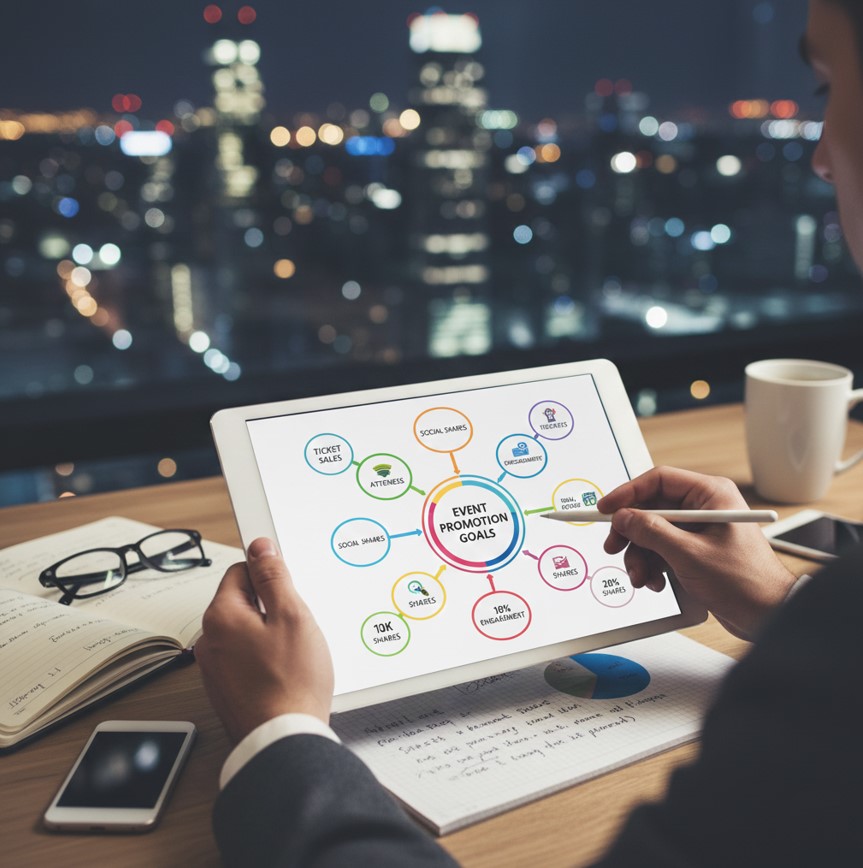
Before you spend a single dollar on ads, you need to define what you want to achieve. Your promotional goals will shape every aspect of your campaign, from the ad format you choose to the audience you target. Without clear objectives, it’s impossible to measure success. You can also review how goals fit into broader event marketing frameworks with this ultimate event marketing guide.
Common goals for event promotion include:
- Increasing ticket sales: This is the most direct and measurable objective. Your primary goal is to drive users to a landing page to purchase tickets.
- Boosting brand awareness: If your event is new or you’re trying to build a community, your goal might be to reach as many relevant people as possible to introduce them to your brand. Learn more about mastering your digital marketing strategy to enhance event promotion.
- Generating leads: You might want to collect email addresses or contact information from potential attendees who aren’t ready to buy a ticket just yet. This allows you to nurture them with future marketing efforts.
- Driving engagement: For free events or community gatherings, your goal might be to get RSVPs through a Facebook Event page or encourage discussions and shares.
Once you have your main objective, establish specific, measurable, achievable, relevant, and time-bound (SMART) goals. For example, instead of “sell more tickets,” a better goal would be “sell 250 early-bird tickets through Facebook Ads by May 31st with a cost per acquisition under $15.”
Define Your Target Audience
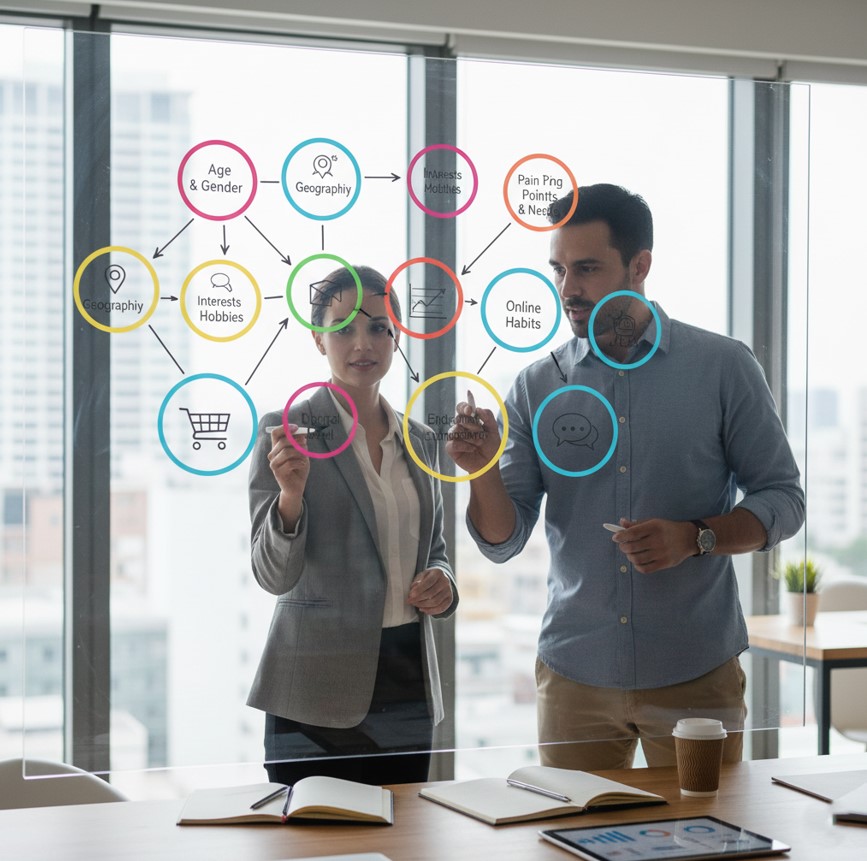
One of the biggest advantages of Facebook Ads is its sophisticated targeting capabilities. You can go far beyond basic demographics to reach the people most likely to be interested in your event. A well-defined audience is the difference between a high-performing campaign and wasted ad spend.
Create Audience Personas
Start by creating detailed personas of your ideal attendees. Think about their:
- Demographics: Age, gender, location, language, job title.
- Interests: Hobbies, pages they follow, related events they’ve attended, publications they read.
- Behaviors: Online purchasing habits, device usage, travel patterns.
For example, if you’re promoting a local craft beer festival, your target audience might be men and women aged 25-45 who live within a 20-mile radius and have shown interest in “craft beer,” “breweries,” and local food blogs.
Leverage Custom and Lookalike Audiences
Facebook allows you to create powerful audiences based on your existing data.
- Custom Audiences: You can upload a list of your past attendees, email subscribers, or website visitors. This allows you to re-engage people who are already familiar with your brand. Targeting a warm audience like this often results in higher conversion rates.
- Lookalike Audiences: Once you have a Custom Audience, you can ask Facebook to create a “Lookalike” audience. The platform’s algorithm will find new users who share similar characteristics with your existing customers. This is an excellent way to expand your reach and find new, highly qualified potential attendees.
Start with your most valuable source list—like past ticket purchasers—to create your first Lookalike Audience for the best results.
Choose the Right Ad Creative and Copy
Your ad creative is the first thing people will see, so it needs to be visually appealing and attention-grabbing. Your copy must then clearly communicate the value of your event and persuade users to take action.
Visuals
- Video: Video ads are highly effective for event promotion. They can capture the energy and excitement of your event in a way static images can’t. Consider using a highlight reel from a past event, interviews with speakers, or a short, animated explainer video.
- High-Quality Images: If you use static images, ensure they are high-resolution and visually compelling. Photos of engaged and happy crowds, dynamic speakers, or the unique venue can all work well. Use carousels to showcase multiple aspects of your event, like different speakers or activities.
- Graphics: Well-designed graphics with bold text can communicate key information quickly. Include the event name, date, location, and a key benefit.
Ad Copy
Your ad copy should be clear, concise, and compelling.
- Headline: The headline should grab attention and state the primary benefit. For example, “Level Up Your Marketing Skills” is more effective than “Marketing Conference 2024.”
- Primary Text: Use the first couple of lines to hook the reader. Mention who the event is for and what they will gain. Use bullet points or emojis to make key details scannable.
- Call-to-Action (CTA): Your CTA should be direct and align with your campaign objective. Use buttons like “Get Tickets,” “Learn More,” or “Sign Up.”
Pro tip: Integrating insights from digital marketing analytics for smarter campaigns can improve your ad performance.
Always include a sense of urgency or scarcity to encourage immediate action. Phrases like “Early bird tickets end this week!” or “Only 50 VIP spots left!” can significantly boost conversions.
Build Your Campaign in Ads Manager
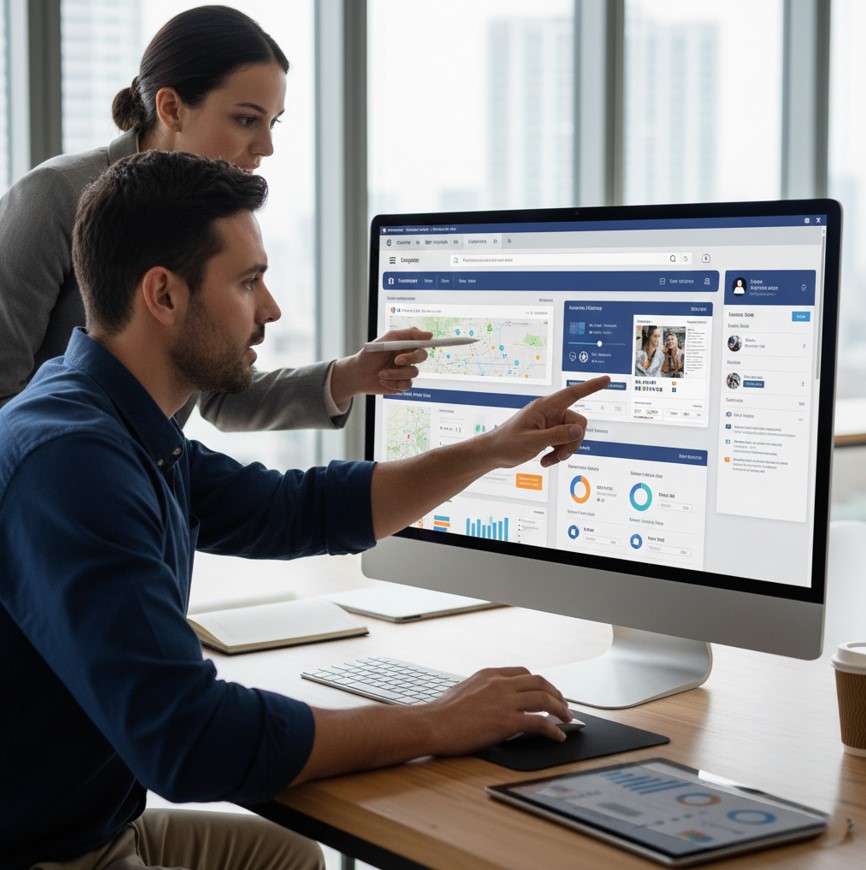
With your goals, audience, and creative ready, it’s time to set up your campaign in Facebook Ads Manager.
Step 1: Choose Your Campaign Objective
In Ads Manager, the first step is to select a campaign objective that aligns with the goals you set earlier.
- For ticket sales, choose the Sales objective and optimize for purchases.
- For lead generation, select the Leads objective.
- For brand awareness, use the Awareness objective.
- To drive RSVPs to a Facebook Event, use the Engagement objective.
Step 2: Set Your Budget and Schedule
You can set a daily budget or a lifetime budget for your campaign. A lifetime budget gives Facebook more flexibility to spend your money on days when it’s likely to get the best results. Schedule your ads to run during the most relevant times, but for event promotion, it’s often best to run them continuously until the event date to build momentum.
Step 3: Select Your Audience
This is where you’ll input the audience you defined earlier. You can layer different targeting options, such as location, interests, and behaviors. You can also select your pre-made Custom or Lookalike Audiences here.
Step 4: Choose Placements
Facebook automatically selects placements across its family of apps (Facebook, Instagram, Messenger, Audience Network). While “Advantage+ placements” is often recommended, you can also choose to manually select where your ads appear. For event promotion, Facebook and Instagram Feeds and Stories are typically the most effective placements.
Step 5: Upload Your Creative and Launch
Upload your video or images, write your ad copy, and select your CTA button. Double-check everything for typos or errors before you hit the “Publish” button.
Monitor and Optimize Your Campaign
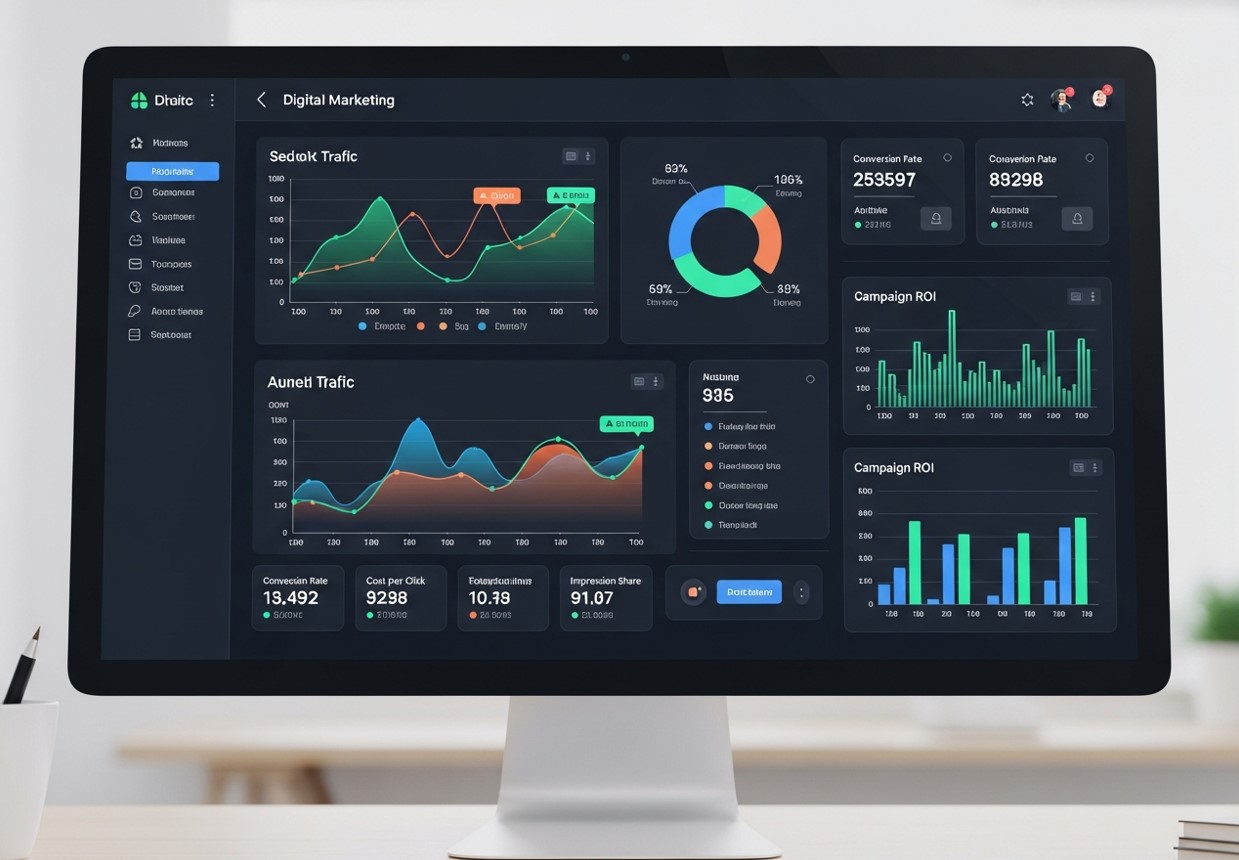
Your work isn’t done once your ads are live. Continuously monitoring your campaign’s performance is essential for maximizing your results. Check your Ads Manager dashboard daily to track key metrics.
Key Metrics to Track
- Cost Per Result (CPR): This shows how much you’re paying for each desired action (e.g., ticket purchase, lead).
- Click-Through Rate (CTR): This measures the percentage of people who clicked your ad after seeing it. A low CTR might indicate your creative or copy isn’t resonating.
- Return on Ad Spend (ROAS): This calculates the total revenue generated for every dollar spent on ads. This is the ultimate measure of success for ticketed events.
- Frequency: This shows the average number of times a person has seen your ad. If the frequency gets too high (typically above 3-4), your audience may be experiencing ad fatigue, leading to lower performance.
Based on this data, make adjustments. If an ad isn’t performing well, try A/B testing different headlines, images, or audiences to see what works best. Pause underperforming ads and reallocate your budget to the winners.
If you want to compare digital tactics more broadly, check out this resource on event digital marketing
Use Retargeting to Capture Warm Leads
Many users will visit your landing page or engage with your ads but won’t convert on the first visit. Retargeting allows you to re-engage these warm leads with tailored ads that remind them why your event is worth attending. You can retarget website visitors, people who interacted with your Facebook or Instagram posts, video viewers, and those who opened but didn’t complete a lead form. Use reminder ads, early-bird countdown ads, or highlight speaker announcements to push them toward conversion. Retargeting often delivers the highest ROI because you’re targeting people already familiar with your event.
Leverage Social Proof to Increase Trust and Ticket Sales
People trust what others already approve of—this is especially true for events. Add social proof elements to your ad strategy to boost credibility and reduce hesitation. Use testimonials from past attendees, user-generated content (UGC), ratings, or clips from previous events. Showcase well-known speakers or high-profile attendees to add authority. If your event has been featured in media outlets, highlight these mentions in your creative. Social proof-focused ads can significantly increase conversions, especially during the final weeks leading up to the event.
Combine Facebook Ads With Organic Promotion for Maximum Impact
Paid ads work best when paired with strong organic content. Promote your event across all channels—Facebook groups, Instagram Reels, LinkedIn posts, email newsletters, and your website blog. Encourage speakers, sponsors, and partners to share your event on their profiles to multiply reach. When potential attendees see your event across multiple touchpoints, your credibility increases, and conversion likelihood rises. Organic content keeps your audience engaged while ads accelerate results.
Use A/B Testing to Continually Improve Your Results
A/B testing is one of the most powerful tactics for optimizing your Facebook Ads. Test variations of headlines, images, call-to-action buttons, video styles, and even audience segments. For example, try testing a short 10-second hype video against a 30-second highlight reel. Or compare a broad audience against a more niche interest-based audience. These experiments help you discover what resonates most and ensures your budget is being used efficiently. The more you test, the more data you collect—and the better your event promotions will perform.
Your Path to a Sold-Out Event
Using Facebook Ads for event promotion is one of the most effective ways to reach your target audience and drive ticket sales. By setting clear goals, defining a specific audience, creating compelling ads, and consistently optimizing your campaigns, you can ensure your event gets the attention it deserves.
Start planning your ad strategy early, give yourself time to test and learn, and watch as you turn interested users into enthusiastic attendees. With a strategic approach, you’ll be well on your way to hosting a sold-out event.
FAQs About Using Facebook Ads for Event Promotion
Are Facebook Ads effective for promoting events?
Yes. Facebook Ads are highly effective because they allow precise targeting based on demographics, interests, behaviors, and custom audiences. With the right strategy, you can significantly boost ticket sales and RSVPs.
How much should I spend on Facebook Ads to promote an event?
Most event marketers start with $10–$50 per day, then scale based on performance. Your ideal budget depends on your event size, ticket price, and how early you start promoting.
When should I start running Facebook Ads for my event?
Begin running ads 4–8 weeks before your event. This gives enough time for awareness, retargeting, and nurturing potential attendees.
What type of Facebook Ads work best for event promotion?
Video ads, carousel ads, and event-specific ads tend to perform best. Videos showcase energy, speakers, or past highlights, while carousels display multiple aspects of your event.
How can I reduce the cost of Facebook Ads for my event?
Optimize your creative, refine your audience, run A/B tests, retarget warm audiences, and avoid overly broad or overly narrow targeting. Early promotion also reduces costs.